Pensum
Clock in, until it's quitting time.
Coming soon to the App StoreNo ads, no tracking
- What
- Time tracking
- For
- iPhone and iPad
- Account
- None
- Data
- Stays on your device
- Internet
- Not needed
See Pensum
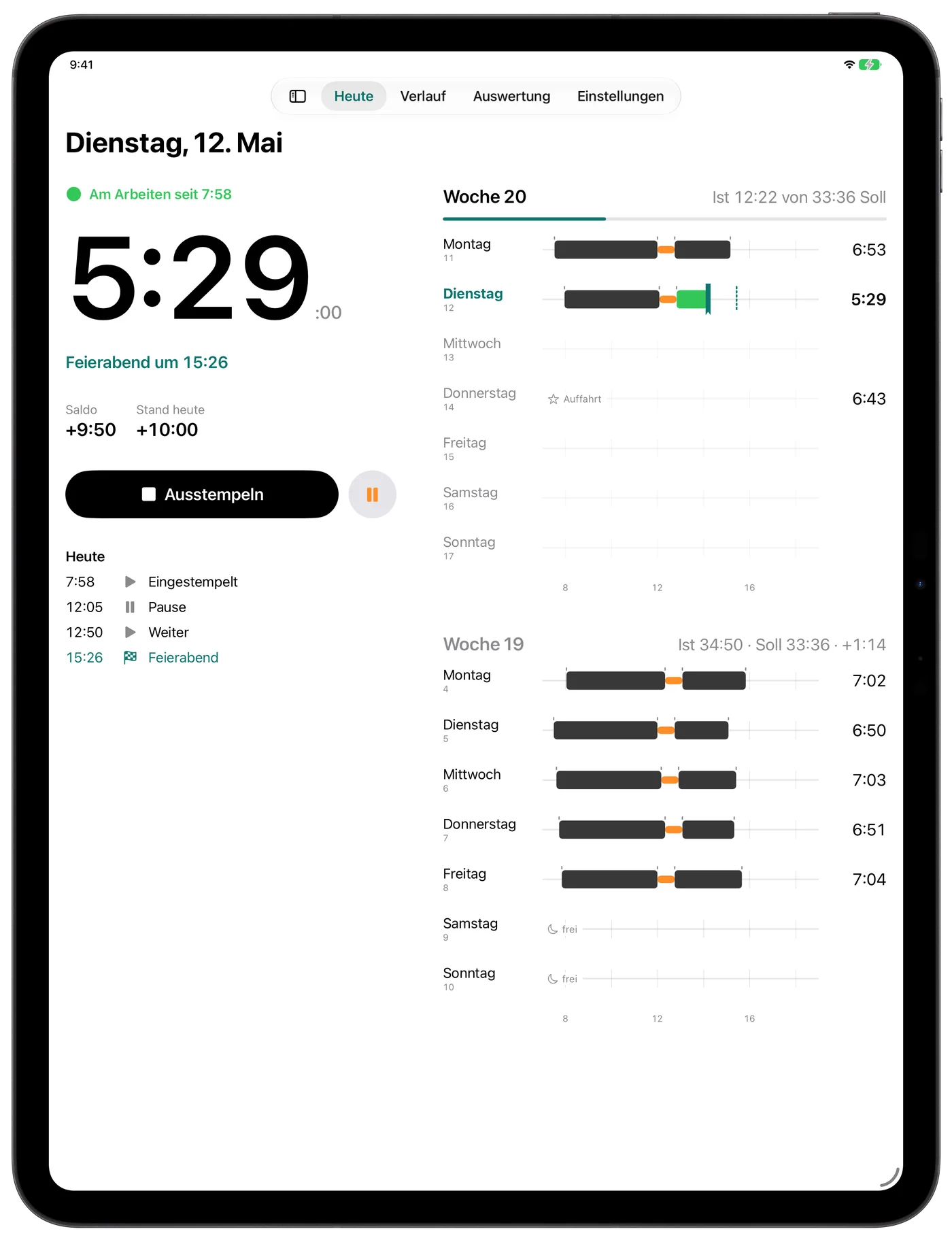
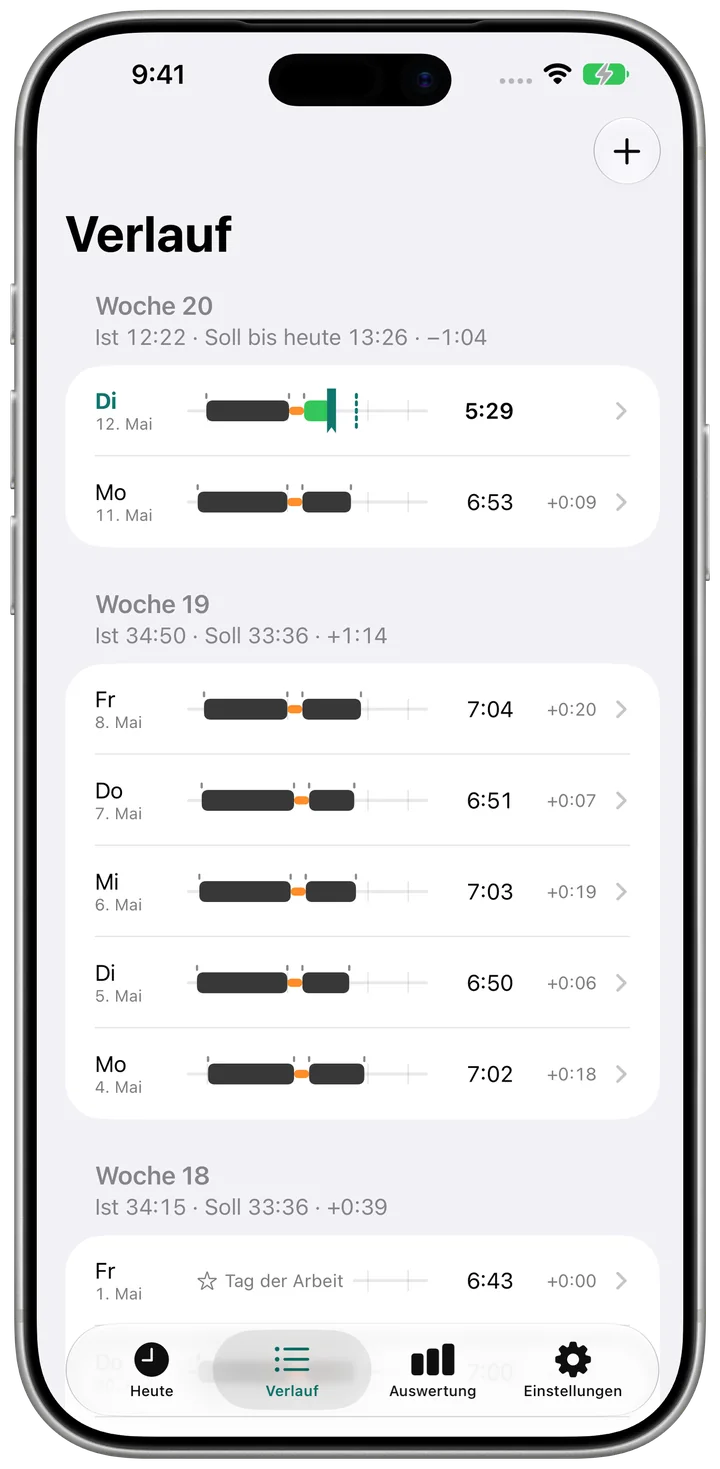
- One tap to clock inQuitting time and balance at a glance
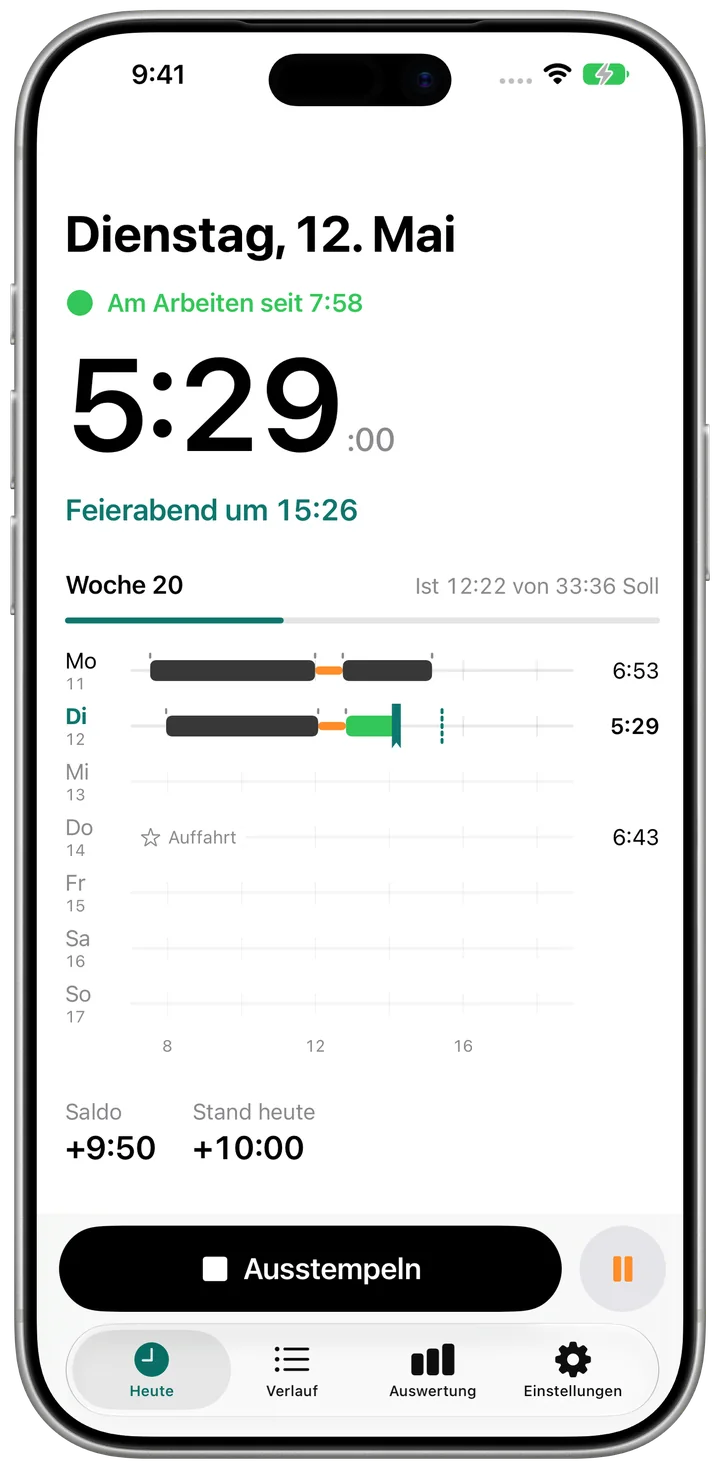
- Every week at a glanceEntries, holidays and time off
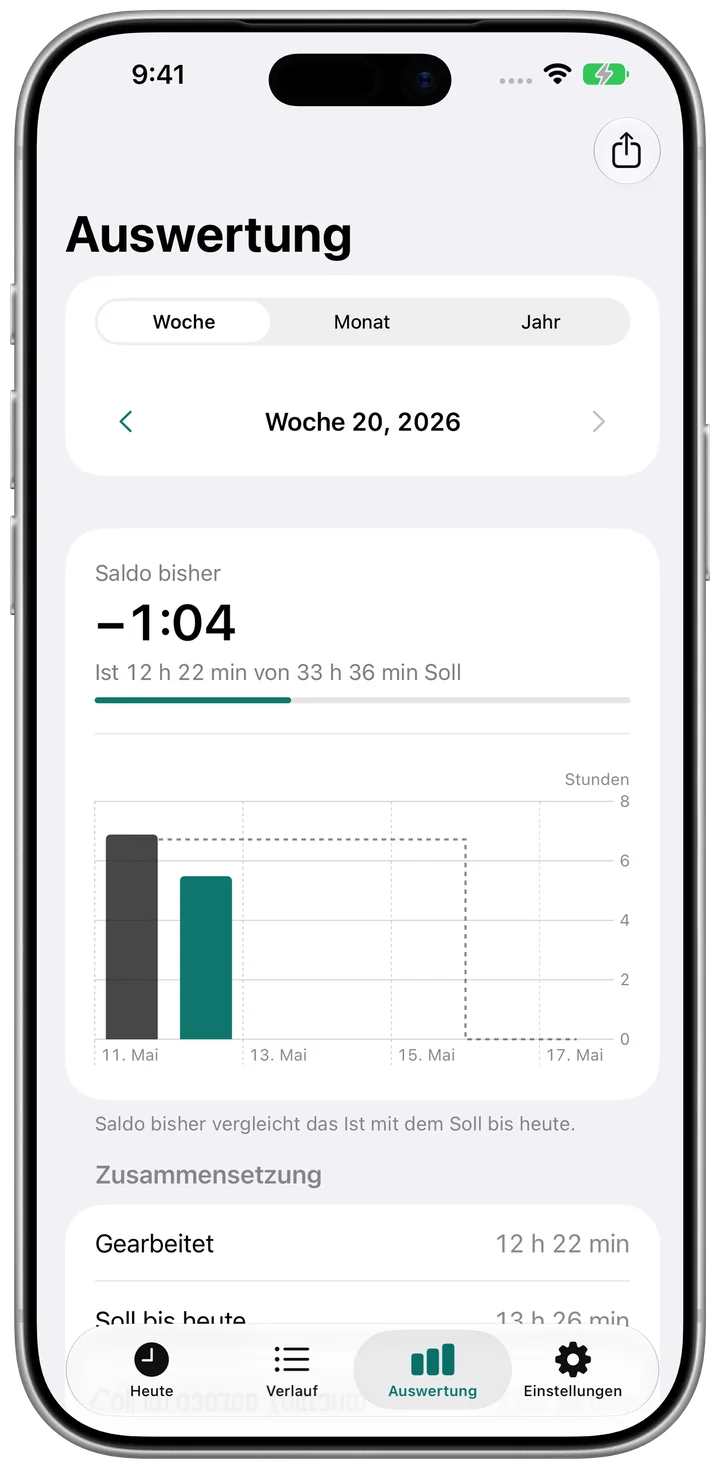
- Target, actual, balanceBy week, month or year
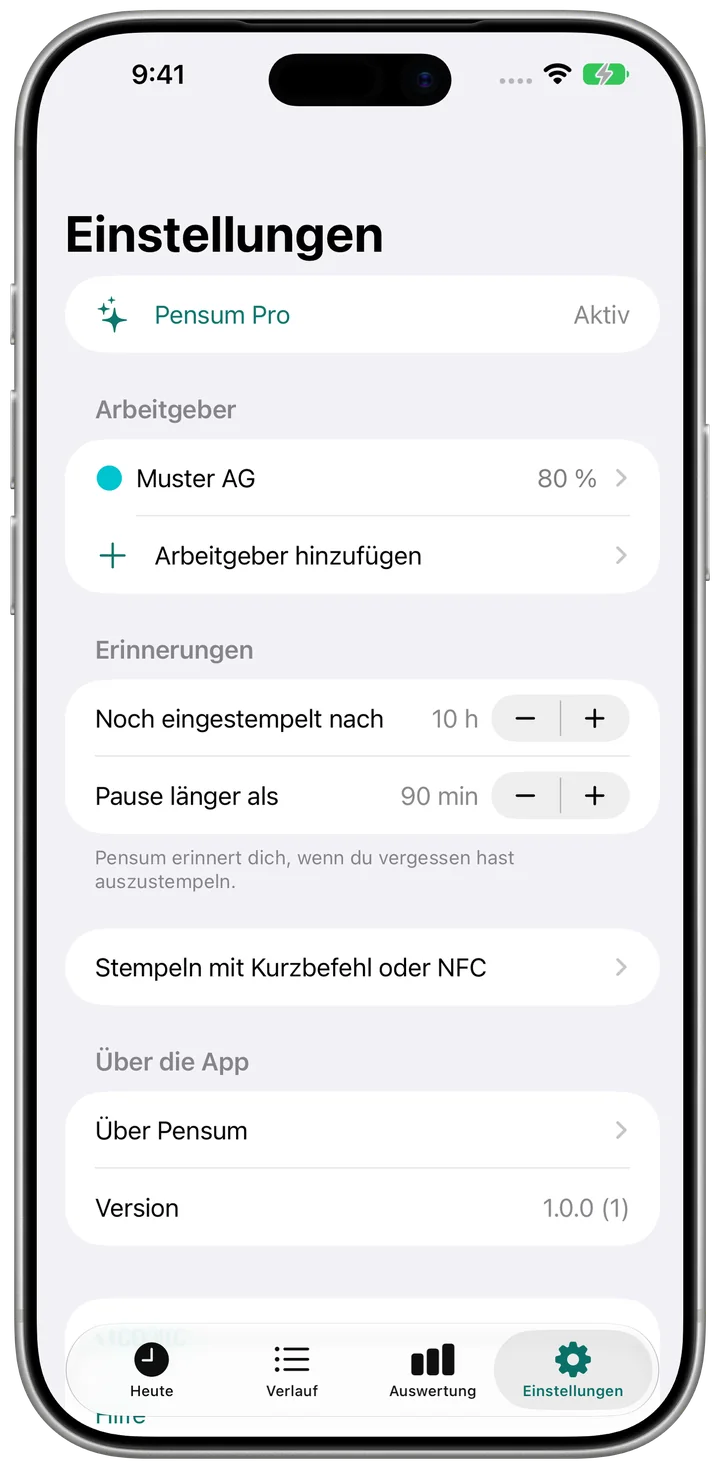
- Your hours, your rulesWork model, holidays, reminders
What Pensum does
Every feature at a glance.
Clocking
- One tap to clock in and out
- Breaks with their own button
- Accidental-tap protection: nothing under a minute is saved
- Quitting time: when your daily guide is reached
- A reminder if you forget to clock out
- Clock in with Shortcuts, the Action Button or an NFC tag
Target and balance
- Target per week, month or year
- Full time times your Pensum workload, for example 42 h times 80 %
- Choose your own workdays
- Running balance with a starting value
- Payouts, corrections and carry-overs
- A new work model from a date, past balances stay
Time off and holidays
- Holidays, sick days, accidents, military service and other paid absences
- Time off in lieu and unpaid days
- Full day, half day or hours
- Public holidays for all Swiss cantons, all German states and Austria
- Switch off single holidays
History and reports
- History by week with actual, target and balance
- Correct and add entries, with a note
- Reports by week, month and year with a chart
Pro
- Multiple employers, each with its own target and balance
- CSV export for payroll and time systems
- One-time purchase, no subscription, with Family Sharing
Device
- Works offline
- No account, no sign-in
- German and English
Clock in, until it's quitting time.
Coming soon to the App StoreFree for iPhone and iPad