Pensum

Help

First steps, guides and the most common questions. Anything else by email.
Getting started

  1. Set up your employer. Enter the name, full time, workload and workdays. Pensum works out your target and daily guide.
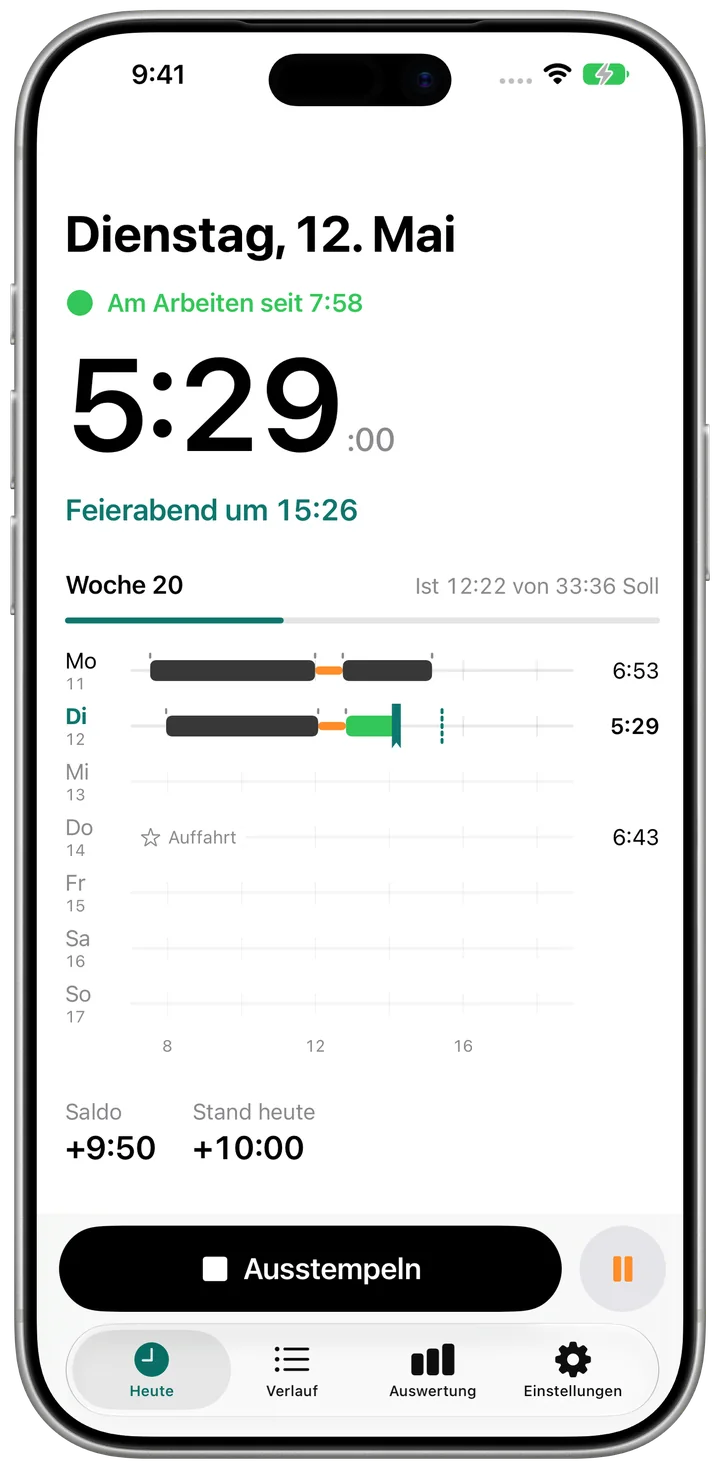
  2. Clock in. Tap the big button. The small button next to it starts a break.
  3. Call it a day. Pensum shows when your daily guide is reached. One tap clocks you out and your balance updates.

Guides

Clock in and out

  1. Open the Today tab.
  2. Tap “Clock In”.
  3. For a break, tap the small pause button, then “End Break”.
  4. At the end, tap “Clock Out”.
Clock in and out

Correct or add an entry

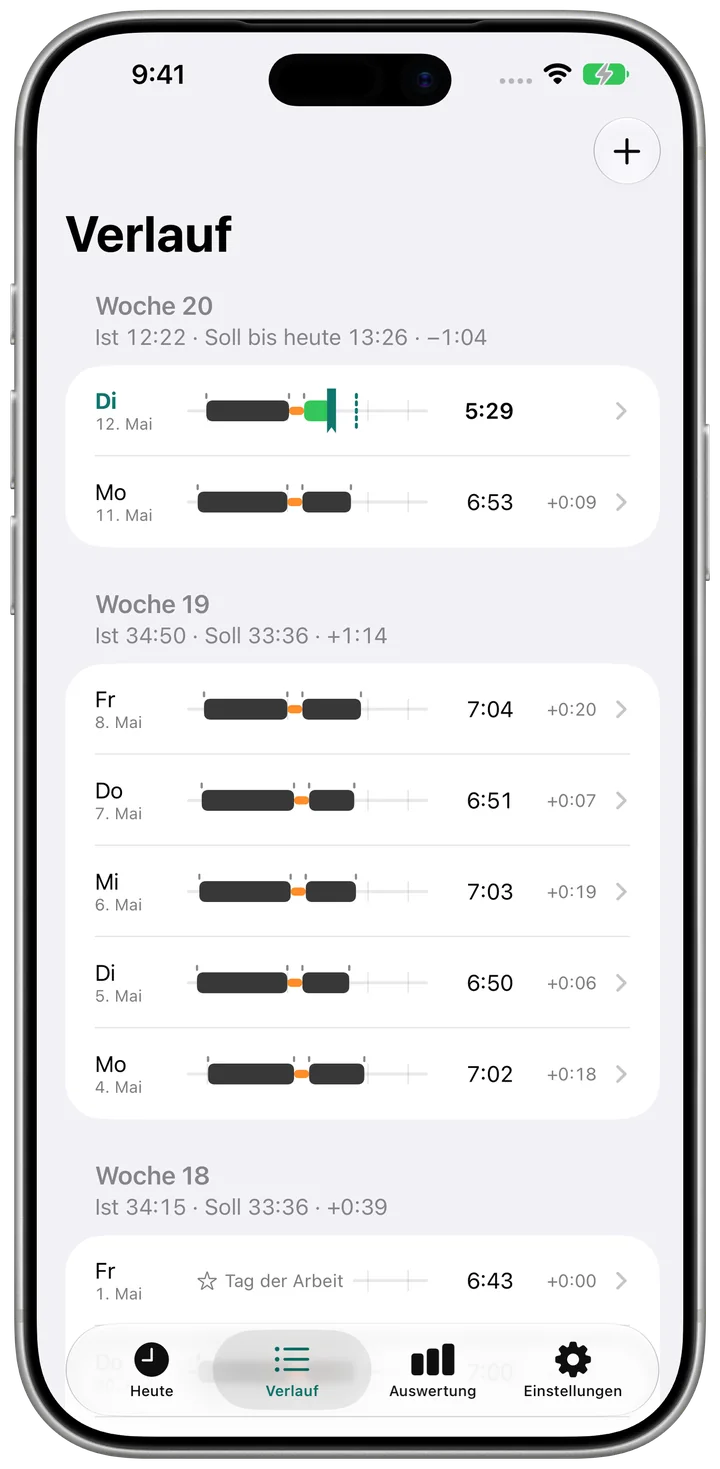
  1. Open the History tab.
  2. Tap an entry, or tap the plus at the top and choose “Entry” for a new one.
  3. Adjust start, end and breaks, then tap “Save”.
Correct or add an entry

Record holidays or sick days

  1. In History, tap the plus at the top and choose “Absence”.
  2. Choose the type, From and To. Over several days, only workdays count.
  3. Choose the scope: full day, half day or hours, then tap “Save”.

See target, actual and balance

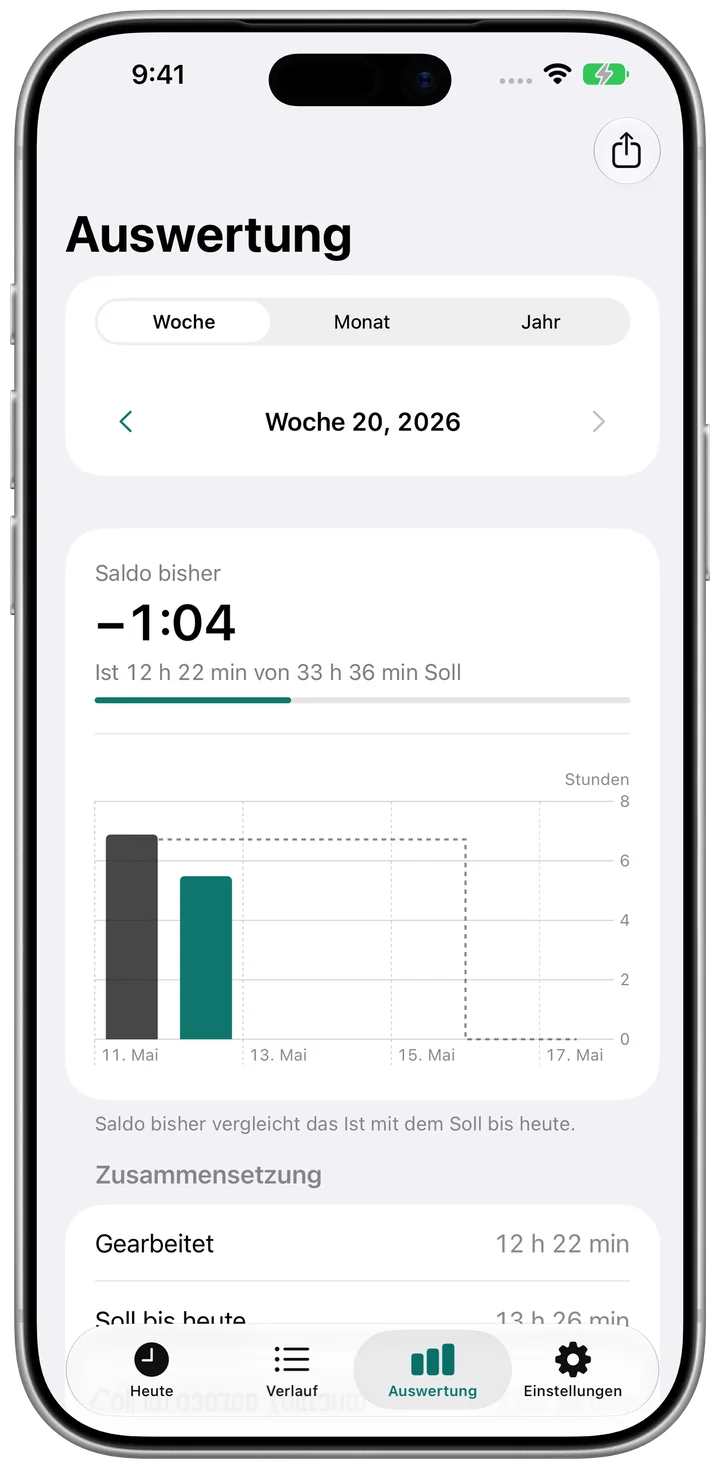
  1. Open the Report tab.
  2. Choose week, month or year and page with the arrows.
  3. With Pro, share a CSV file with “Export”.
See target, actual and balance

Clock in with Shortcuts or NFC

  1. In Pensum, open Settings and “Clock In with a Shortcut or NFC”.
  2. In the Shortcuts app, create an automation that opens “pensum://toggle”.
  3. Choose an NFC tag or the Action Button as the trigger.

Frequently asked questions

Does the app need an account?

No. There is no sign-in. Your hours stay on your device.

Is Pensum an official time recording system?

No. Pensum is a personal time tracker, not your employer's certified time recording system.

How is the credit for holidays calculated?

With the daily guide: the target of the period divided by the workdays. At 42 h times 80 % and five workdays that is 6 h 43 min per day.

Why doesn't the balance count the current week yet?

The balance counts a period once it is over, so there is no minus on Monday. “Balance today” shows whether you are on track.

How do I back up my data?

With your iPhone's iCloud backup. The app data is included.

Restore purchases

Open Settings in the app, tap the purchase and choose “Restore purchases”. It needs the same Apple Account you bought it with.

Contact

A question, a bug, a wish: write to us.

pensum@bognar.net